
Sync
Keep your route data together with Anquet Cloud.
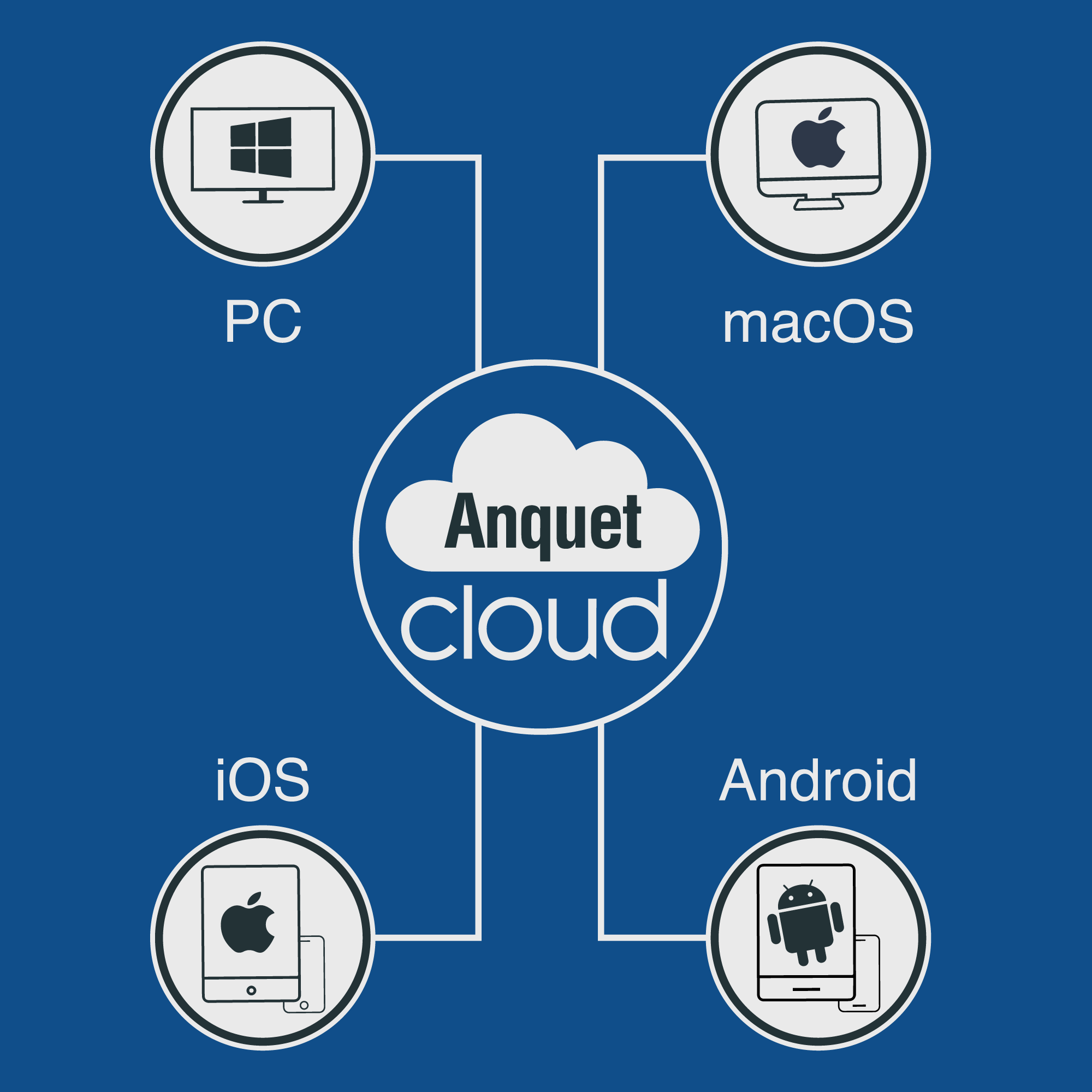
Sign in with the same OMN4 account to keep routes, tracks, waypoints, settings, activity types, and supported icon imports in step across desktop, iPhone, iPad, and Android.
What syncs
Anquet Cloud keeps the personal data you work with most often available across signed-in OMN4 apps.
- Routes, tracks, and waypoints sync.
- Settings, activity types, and supported icon imports sync.
What your account unlocks
The same OMN4 account can unlock subscribed maps on supported devices, subject to the plan and platform.
- Account access is separate from offline files.
- Plan detail belongs on the pricing page.
Why offline maps are per device
Offline map files can be large, so each phone, tablet, and desktop manages its own downloads, storage, updates, and verification.
- Download maps on the device you will use.
- Missing offline maps after sign-in are normally a download task.
Keep an extra portable copy
GPX remains useful when you want an additional portable copy of route, track, or waypoint data.
- Use GPX for transfer where appropriate.
- Do not describe GPX as a replacement for sync.
Help and detail
Use the help centre when you want step-by-step setup, platform, or workflow instructions for this feature.
Ready to plan properly?
Start a 7 day trial, install OMN4 on the devices you use, and download the maps you need before your next route.