
Aerial imagery
Aerial imagery for the Great Britain launch.
Use OS Imagery where it helps you read the ground differently from a map: field boundaries, buildings, tracks, terrain context, and the land around a planned route.
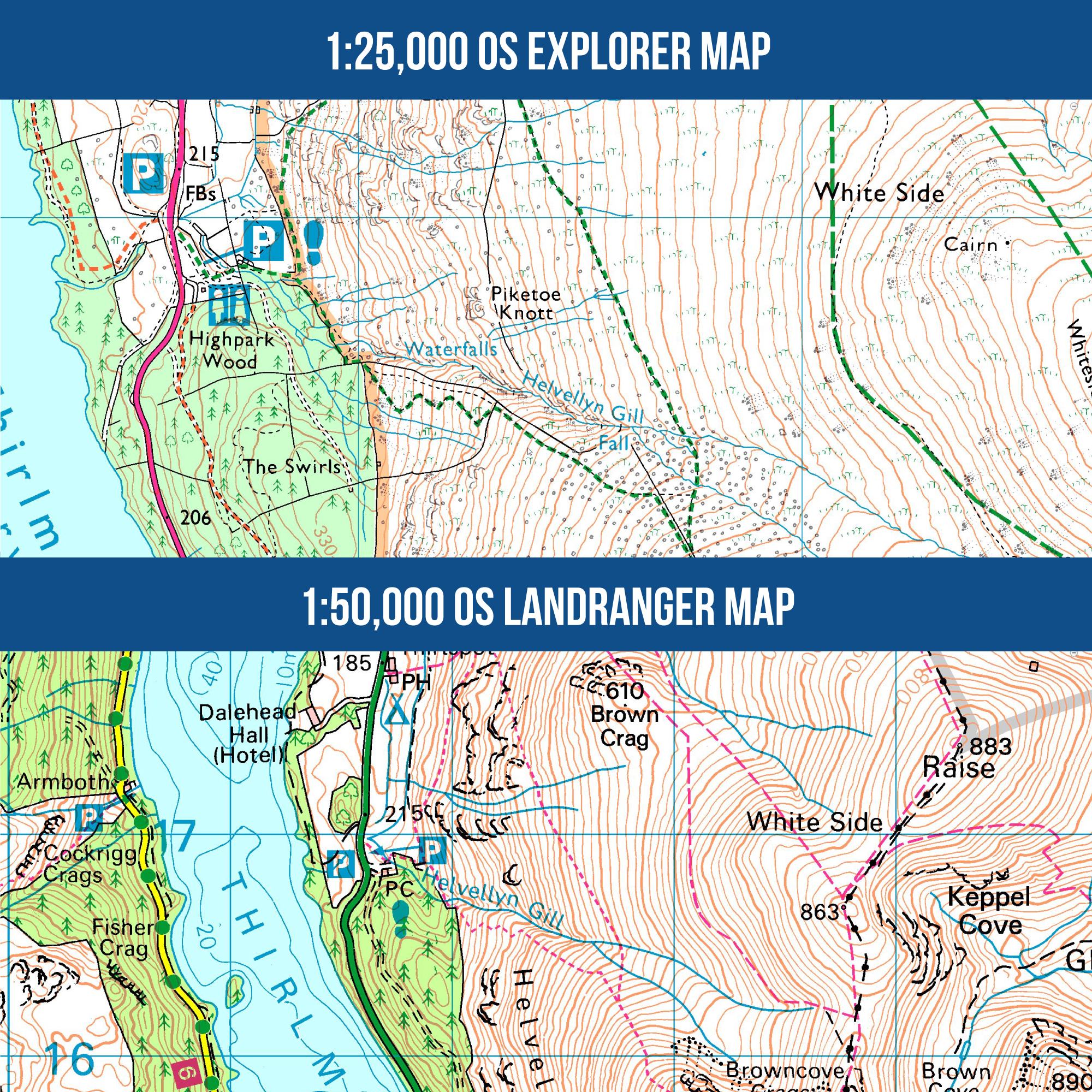
Use aerial context carefully
Aerial imagery can help explain field boundaries, buildings, tracks, terrain context, and the land around a route.
- Keep examples tied to Great Britain.
- Use OS Imagery wording where the source matters.
Keep entitlements clear
Base or online aerial belongs with the current GB plan wording; offline or high-resolution aerial belongs with Pro where the product supports it.
- Link entitlement detail to pricing.
- Do not imply every aerial mode is in every plan.
Use source wording accurately
Use OS Imagery wording where the source matters, and keep source acknowledgements beside images that need them.
- Use required source acknowledgement.
- Do not use third-party logos unless cleared.
Keep the promise GB-specific
Aerial imagery is part of the Great Britain launch story, not a blanket worldwide imagery promise.
- Avoid worldwide aerial claims.
- Use the current GB aerial entitlement when it applies.
Help and detail
Use the help centre when you want step-by-step setup, platform, or workflow instructions for this feature.
Ready to plan properly?
Start a 7 day trial, install OMN4 on the devices you use, and download the maps you need before your next route.